Doctors and clinics
Patient records stay in the clinic
- You have
- past visits and outcomes
- Vixana predicts
- who may miss an appointment, or be readmitted
A prediction supports your judgement; it does not replace it.
Machine learning that builds itself.
On your own computer.
Drop in a spreadsheet and choose what to predict. Vixana builds, tests and combines many models for you, and your data never leaves the room.
Beat Amazon's AutoML on 82 of 103 tables and Microsoft's in our latest test · two registered benchmarkscurl -fsSL https://vixana.online/install.sh | sh
Open a file, choose the column you want to predict and how long Vixana may train. It works out the task and the score, trains and compares many models, and hands you the best as one predictor.
.vixana file you keep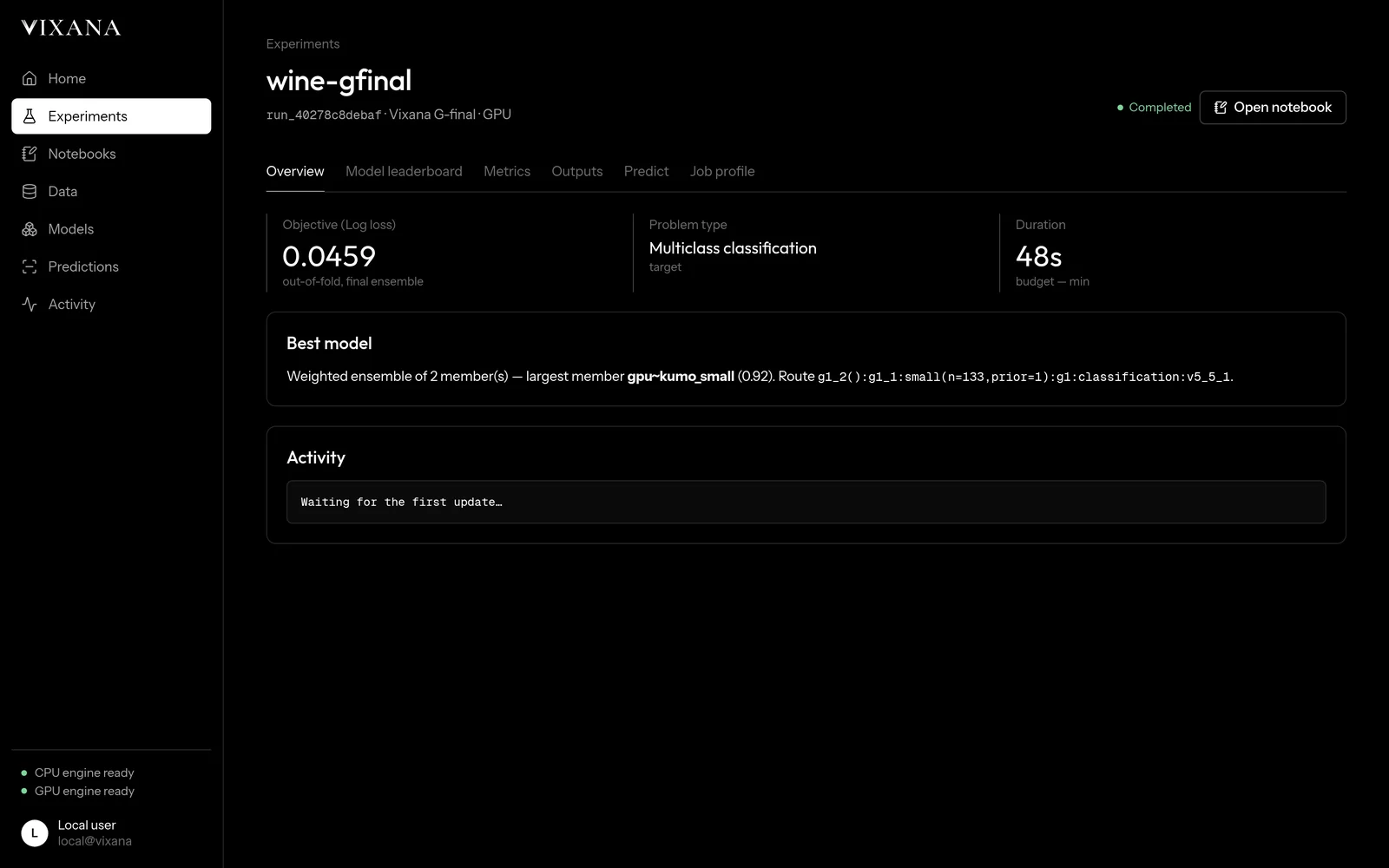
If your table holds patients, clients or anything you would rather not upload, Vixana trains where the data already is. You bring the table; it brings the models.
Doctors and clinics
A prediction supports your judgement; it does not replace it.
Researchers and students
Banks, insurers, accountants
Shops and small businesses
Engineers and factories
Public services and charities
The careful steps an expert takes by hand, behind one button. Weak models are dropped early, every score comes from rows the model never saw, and the winners are blended into one predictor you can trust: when it says 80%, it is right about eight times in ten.
You set the time, from one minute to an hour. Vixana plans its work to fit it.
How Vixana worksNo graphics card? The CPU engine runs on any laptop: trees, neural networks and a pretrained model, stacked and blended.
Have an NVIDIA card, even a 4 GB one? The GPU engine adds Vixana's foundation model and sizes it to your card. That is the engine that won the test below.
Will it run on my computer?We tested Vixana against AutoGluon, the engine behind Amazon SageMaker Autopilot's ensemble mode, in two benchmarks whose rules were written before they ran: 114 tables, from a hundred rows to almost half a million. Vixana's GPU engine won 82 of the 103 tables that could be decided and lost 13.
In the latest test, on 30 fresh tables, it also beat FLAML from Microsoft Research and three more systems, with the same five minutes each on a 4 GB graphics card. No cloud, no rented servers.
The fine print: the ten largest tables, up to 470,000 rows, could not be decided on our 16 GB test laptop, because memory ran out for Vixana and AutoGluon alike; where they could be scored, they were near ties. The first benchmark's early stages used earlier versions of the GPU engine. The CPU engine did not reach the bar against AutoGluon in the latest test. The paper, coming soon, reports every number.
The systems it was tested against in the latest benchmark
Training runs on your laptop or workstation. Your tables, models and predictions never leave it, and there is no service to pay for.
Trees, neural networks and pretrained tabular models compete on the same folds. The best are stacked, blended and calibrated into one predictor.
Drop in a file, choose the column to predict and how long to train. Vixana works out the task, the metric and the models.
We wrote down how Vixana would be judged before the first run, then published every result, the losses too.
The GPU engine runs on a 4 GB consumer card. Without one, the CPU engine runs anywhere.
Each run saves one .vixana file. Predict with it from the app, from the command line, or in
the built-in Python notebooks.
“Many models, checked against data they have not seen, joined into one answer. On your own computer.”
The desktop app sets itself up on first start, a few minutes once. The command line installs into your home folder and needs no administrator rights.
Windows 10 and 11
Any distribution
Linux, macOS, Windows
curl -fsSL https://vixana.online/install.sh | sh
irm https://vixana.online/install.ps1 | iex
Current version: 6.2.0 (what's new). Each download is approved by the owner: sign in with Google, ask, and download once it is approved. Installers are not code-signed yet, so Windows SmartScreen may ask you to confirm. Read install.sh or install.ps1 before you run them.
No. The desktop app and the command line train on your machine. The network is used only to install the engine's packages the first time and to sign in with Google.
In two registered benchmarks, Vixana's GPU engine beat AutoGluon, the engine Amazon uses in SageMaker Autopilot, on 82 of 103 tables, with the same time budget on the same small computer. Cloud services can rent bigger machines; the point of Vixana is that you don't have to, and that your data stays with you.
Yes, for noncommercial use: personal projects, research, study and teaching, under the PolyForm Noncommercial License 1.0.0. For commercial use, contact the author.
No. The CPU engine runs anywhere. The GPU engine needs an NVIDIA card with 4 GB or more; the docs show what it uses on each card.
Not yet. On a Mac, install the command line with the terminal command; it runs the CPU engine.
A column in a table: a category (churn or not, which product, which diagnosis) or a number (price, demand, time). It reads CSV, TSV, Excel, Parquet, Feather and JSON files, and was tested on tables from 100 to 100,000 rows.
So the owner knows who is asking to download, and so the app knows who you are. Vixana receives your name, email address and picture, and nothing else from your Google account. See the privacy policy.
Free for personal projects, research, study and teaching. Install in one line, or download the app.
curl -fsSL https://vixana.online/install.sh | sh